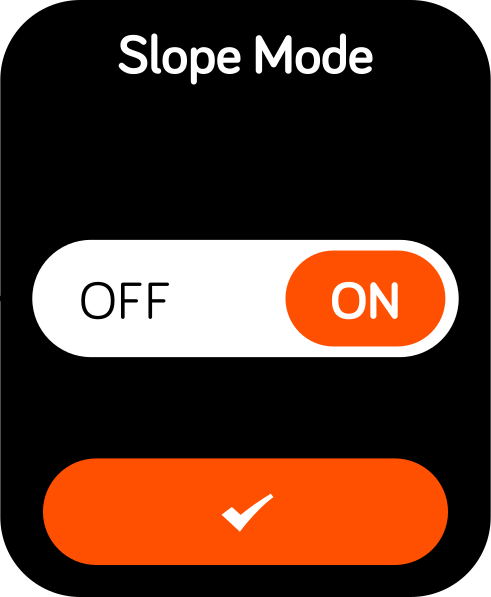
Switch between elevation-adjusted distances and standard GPS distances.
Start hereDuring a round, press the crown button to open the golf menu.
Open Settings.
Select Golf Settings, then Slope Mode.
Choose ON or OFF and confirm.
Choose the mode that suits your round.
Slope ON
Distances account for elevation to help with club selection.
Slope OFF
The watch shows standard GPS distances to the front, middle, and back of the green.
For competition play, check the event’s rules and turn Slope off when required.
Distances seem unusually high?
Turn Slope off and compare from the same position, in the same units, to the same target. Use the distance troubleshooting guide to decide what to check next.